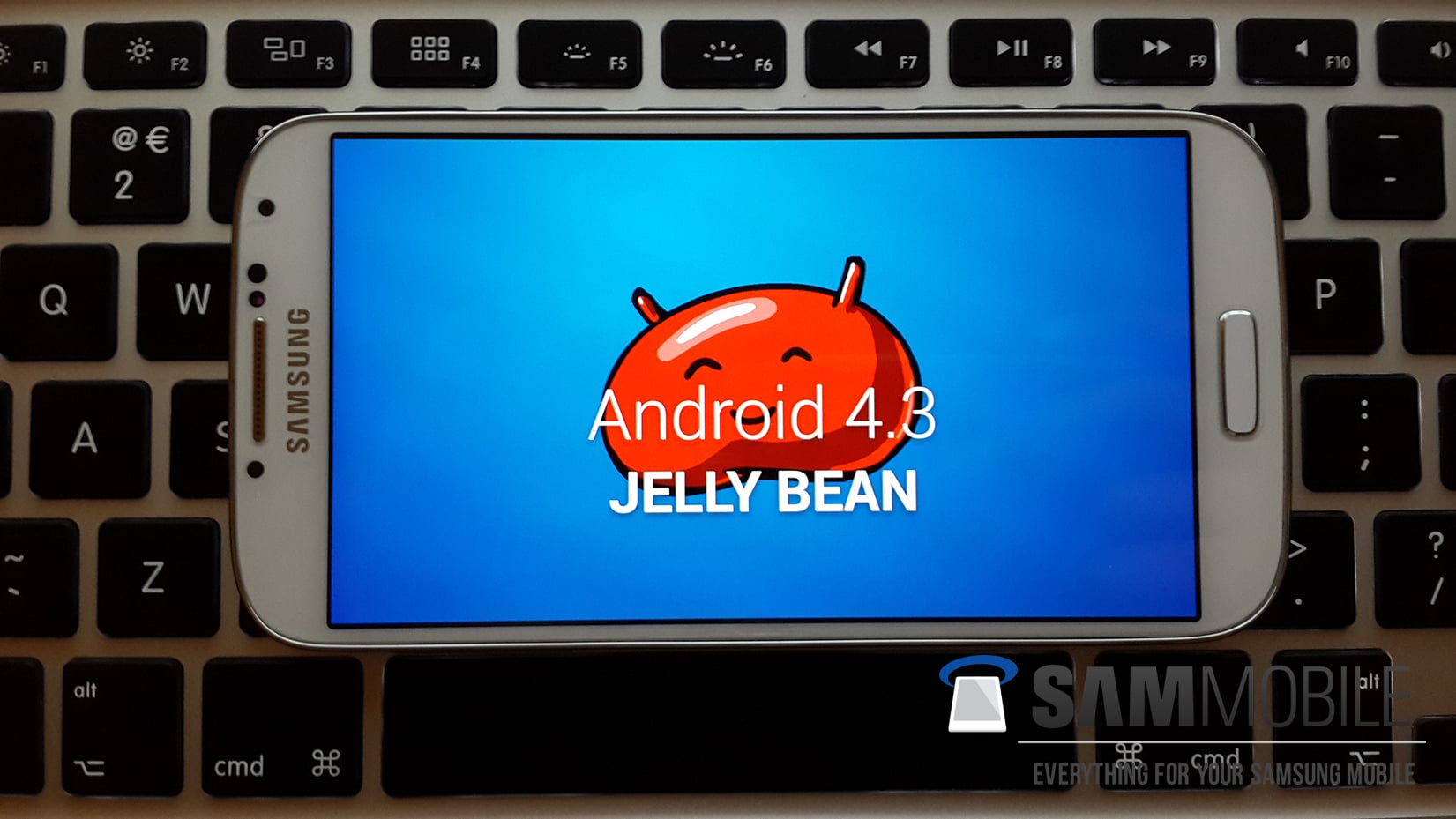
CHANGES AND IMPROVEMENTS IN ANDROID 4.3 UPDATE
- GALAXY GEAR Support
- TRIM Support (Makes the device much faster)
- ANT+ Support
- Samsung KNOX Implementation (KNOX bootloader and dedicated application)
- Samsung Wallet comes pre-loaded
- Improved RAM management
- Improved Display colour reproduction (Display looks much sharper than before)
- Improved TouchWiz Launcher (Much less launcher redraws and less lag)
- New Samsung Keyboard
- New Samsung Browser (Full screen by default, new tab interface and more)
- New Reading Mode (Optimises display for reading, used by only a few specific applications)
- New Camera firmware
- Minor UI tweaks (Contacts app, Flashlight Widget, dialog boxes etc)
Model: GT-I9500
Country: Open Asia
Version: Android 4.3
Changelist: 1875800
Build date: Mon, 14 Oct 2013 09:03:02 +0000
Product Code: ODD
PDA: I9500XXUEMJ5
CSC: I9500ODDEMJ5
MODEM: I9500DDUEMJ5
Download: I9500XXUEMJ5_I9500ODDEMJ5_ODD.zip
NOTE
- This test firmware will NOT increase your binary counter NOR void your warranty.
- This test firmware is a pre-release firmware and not official from Samsung.
- We have fully tested this firmware and this firmware works perfectly as any other official firmware.
INSTRUCTIONS
- Extract (unzip) the firmware file
- Download Odin3 v3.09 (From here or here)
- Extract Odin .ZIP file
- Open Odin3 v3.09
- Restart phone in download mode (Press and hold Home + Power + Volume down buttons)
- Connect phone and wait until you get a blue sign in Odin
- Add AP_I9505XXUEMJ5_1875800_REV06_user_low_ship_MULTI_CERT.tar.md5 to AP
- Add BL_I9505XXUEMJ5_1875800_REV06_user_low_ship_MULTI_CERT.tar to BL
- Add MODEM_I9505XXUEMJ5_1875800_REV06_user_low_ship_MULTI_CERT.tar.md5 to CP
- Add CSC_ODD_I9505ODDEMJ5_1875800_REV06_user_low_ship_MULTI_CERT.tar.md5 to CSC
- Make sure re-partition is NOT ticked
- Click start button, sit back and wait a few minutes.
- If you encounter any issues with the firmware (Any FC, Bootloop etc)
- Boot into recovery mode (Home+power+vol up)
- Choose to wipe/factory reset. (THIS WILL ERASE ALL OF YOUR DATA INCLUDING YOUR INTERNAL SD CARD!)
- Then choose reboot and you should be good to go!

No comments:
Post a Comment